
What is Cursor?
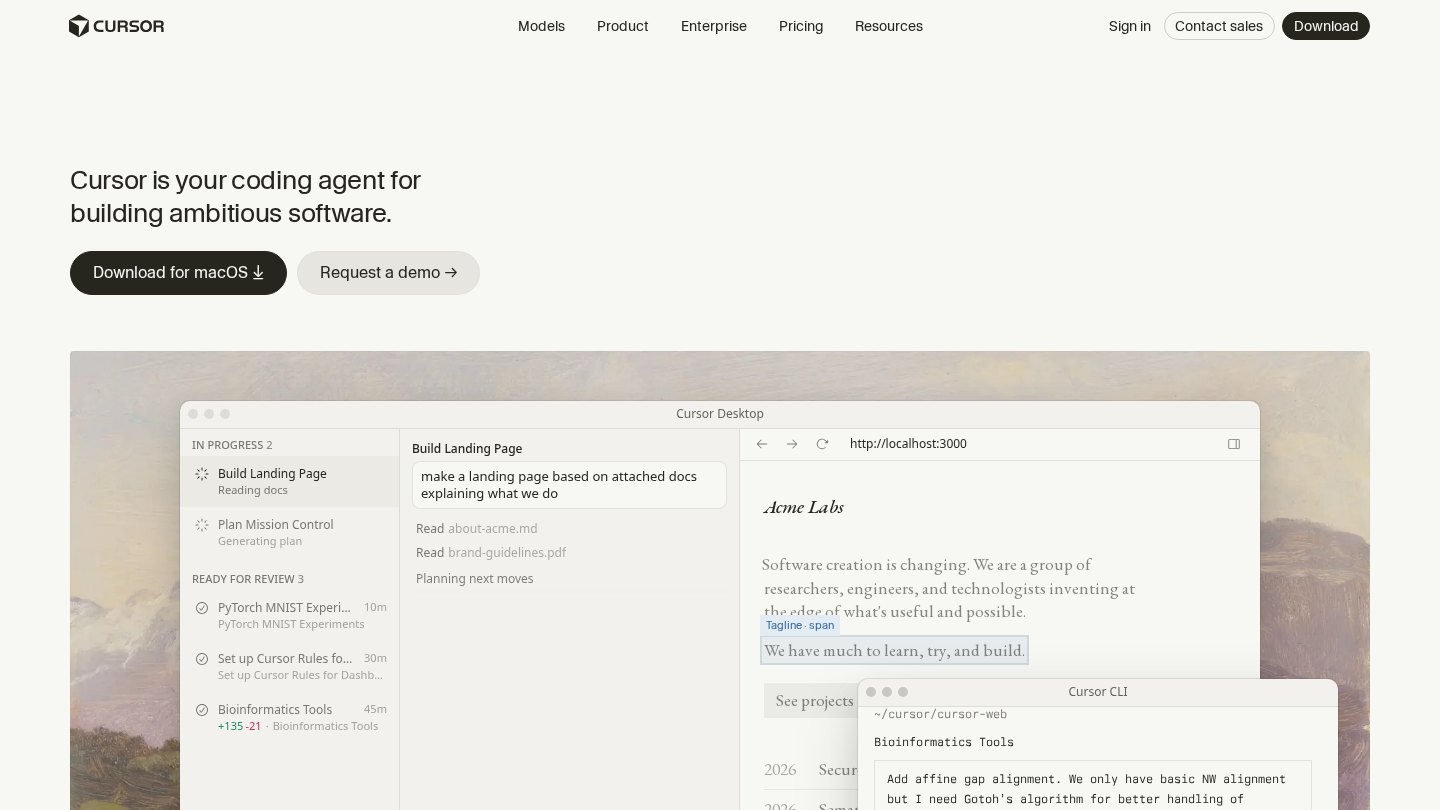
A code editor built around AI chat and edits across a whole codebase.
Key features
- Codebase-aware chat
- Multi-file edits
- Model choice
Best for
- Refactoring
- Navigating large codebases
- Prototyping
Strengths
- Deep editor integration
- Works across many files
Watch-outs
- Changes must be reviewed
- Learning curve for agent features
Alternatives
Related coverage
Cursor vs GitHub Copilot 2026: Which AI Coding Tool Fits You?
Cursor and GitHub Copilot compared: pricing, how each works, billing changes and which suits solo developers and teams.
GuideIntroduction to AI Coding Assistants
Artificial intelligence tools now assist software developers by suggesting code snippets and automating repetitive tasks in real time.
GuideHow to Use AI Coding Tools Effectively
Optimizing your development workflow with AI requires specific strategies for prompting, reviewing, and testing code.
GuideChoosing the Right AI Coding Assistant
Selecting the right AI coding assistant depends on your team's security requirements, preferred IDE, and project scale.
GuideUnderstanding How AI Coding Assistants Work
AI coding assistants use large language models to suggest blocks of code and fix bugs in real-time.
GuideHow to Use AI Coding Tools in Your Workflow
Follow this structured approach to integrate AI tools into your daily programming workflow safely and effectively.
Listings are editorial and independent. Details that change often are marked “to be verified” until an editor checks them against the official source.