
For educational purposes only — this article explains the topic in general terms and is not professional, legal, financial or purchasing advice.
Key takeaways
- A clear sender name and subject line are critical for open rates.
- Mobile optimization is mandatory as most users read emails on smartphones.
- Testing every link and functional element prevents user frustration and lost revenue.
Optimizing the Inbox Appearance
Before hitting send, verify the core identity of your email. The 'from' name should be clearly recognizable as your brand to build immediate trust. The subject line must be concise and compelling, ideally offering a clear benefit or sparking curiosity without using 'spammy' triggers like excessive capital letters or multiple exclamation points. Additionally, use the preheader text—the short snippet visible after the subject line—to provide extra context. This combination is the primary driver of your open rate and determines whether your message is opened or ignored.
Content and Layout Best Practices
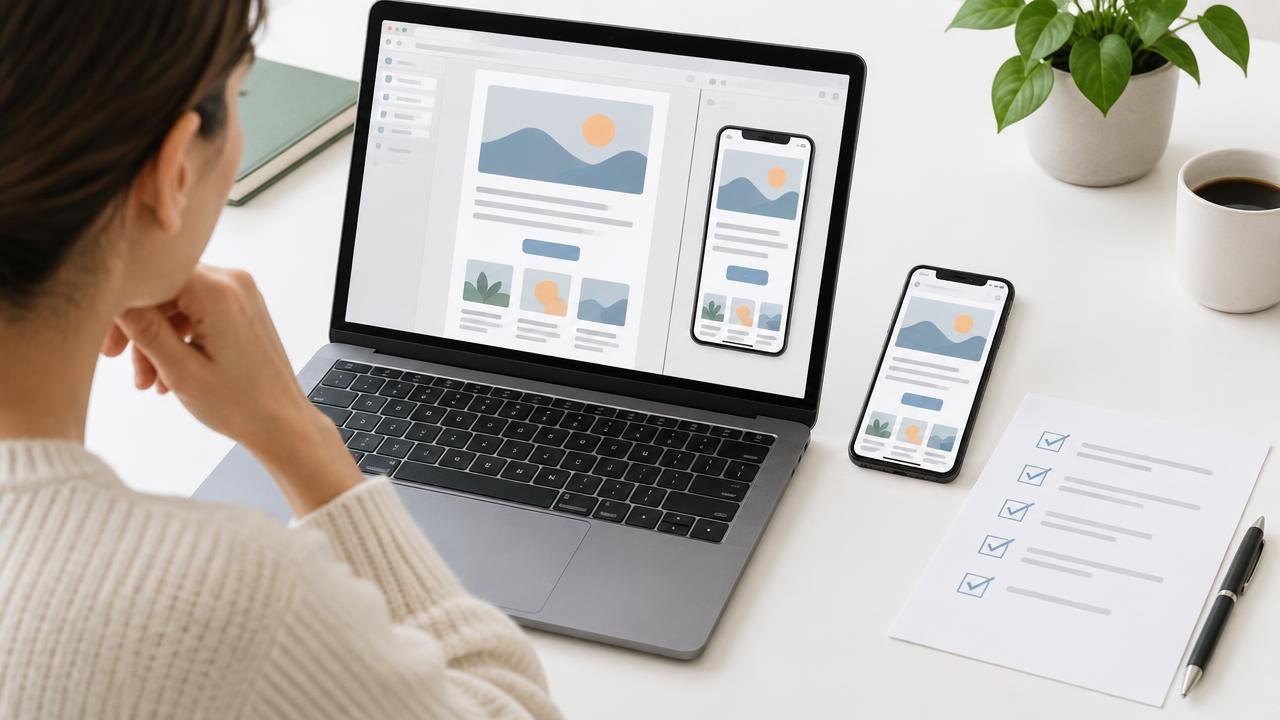
The body of your email should be designed for readability and action. Use a single-column layout to ensure it scales correctly on mobile devices, where the majority of emails are now consumed. Keep your copy focused on one primary goal, supported by a clear Call to Action (CTA) button that stands out visually. Ensure all images have descriptive alt text in case they don't load, and check that your font sizes are large enough to be read comfortably on a small screen. A cluttered email often leads to high unsubscribe rates.
Technical Verification and Compliance
Technical errors can ruin a well-designed campaign. Manually click every link to ensure they lead to the correct landing pages and include tracking parameters for your analytics. Check that your physical office address and an easy-to-find unsubscribe link are present to remain compliant with international anti-spam laws. Finally, send a test version to different devices and email providers to see how the formatting holds up. Small glitches, like broken images or misaligned buttons, can significantly damage your brand's professional image and reduce the effectiveness of the campaign.
Frequently asked questions
How long should an email subject line be?
A good subject line is usually between 30 and 50 characters to ensure it is not cut off on mobile devices.
What is the purpose of image alt text?
Alt text provides a text description of an image for visually impaired users or for situations where images fail to load in the email client.
Where should I test my email before sending?
You should test your emails on both desktop and mobile devices, and across different email clients like Gmail, Outlook, and Apple Mail.